Nextdoor for Home Service Businesses: Business Pages, Faves and the New Self-Promotion Rules
For plumbers, electricians, house cleaners, landscapers, movers and other home service companies, Nextdoor is where a lot of word-of-mouth now happens in writing. A neighbor asks "Who do you use for gutter cleaning?", and the replies under that post can decide who gets the call.
Nextdoor changed two things in 2026 that affect how a service business should show up there. In August, it tightened its rules on self-promotion. In September, it launched Local Faves, a discovery hub built on neighbor recommendations, and redesigned its free Business Pages. This guide explains both changes, what they mean in practice, and how to ask for recommendations without breaking Nextdoor's rules or the FTC's. Everything below comes from Nextdoor's and the FTC's own pages, linked inline, as they read in October 2026.
The 2026 self-promotion rule: promote from a Business Page, not your personal account
For years, plenty of owners promoted their business from their personal Nextdoor account: a post in the neighborhood feed, a reply under every "looking for a plumber" thread, a direct message to someone who asked. That is no longer allowed.
Nextdoor's August 19, 2026 policy update says promotion of a business, service or paid opportunity from a personal account is not allowed in "posts and comments in the main feed, as well as unsolicited direct messages." Instead, promotion "must be done from a free Business Page, not a personal neighbor account" (Nextdoor: Changes to self-promotion policy).
The same update lists what is still fine:
- Neighbors recommending a business. Your customers can still recommend you from their own accounts, and people can still ask for recommendations.
- Occasional casual offers such as babysitting or dog walking, "up to once a month, under your own name." This is meant for neighbors, not for a licensed trade business.
- Nextdoor Groups, where the policy doesn't apply and group admins decide what promotion is welcome.
- Paid products. Nextdoor says Opportunity Alerts and Nextdoor Ads are not affected by the policy.
The practical change for a home service company: if you or your office manager have been answering recommendation requests with "Call us!" from a personal account, stop. Claim your Business Page and do your promotion from there. A personal account that keeps promoting a business now breaks the platform's rules, and it looks worse to neighbors than it used to.
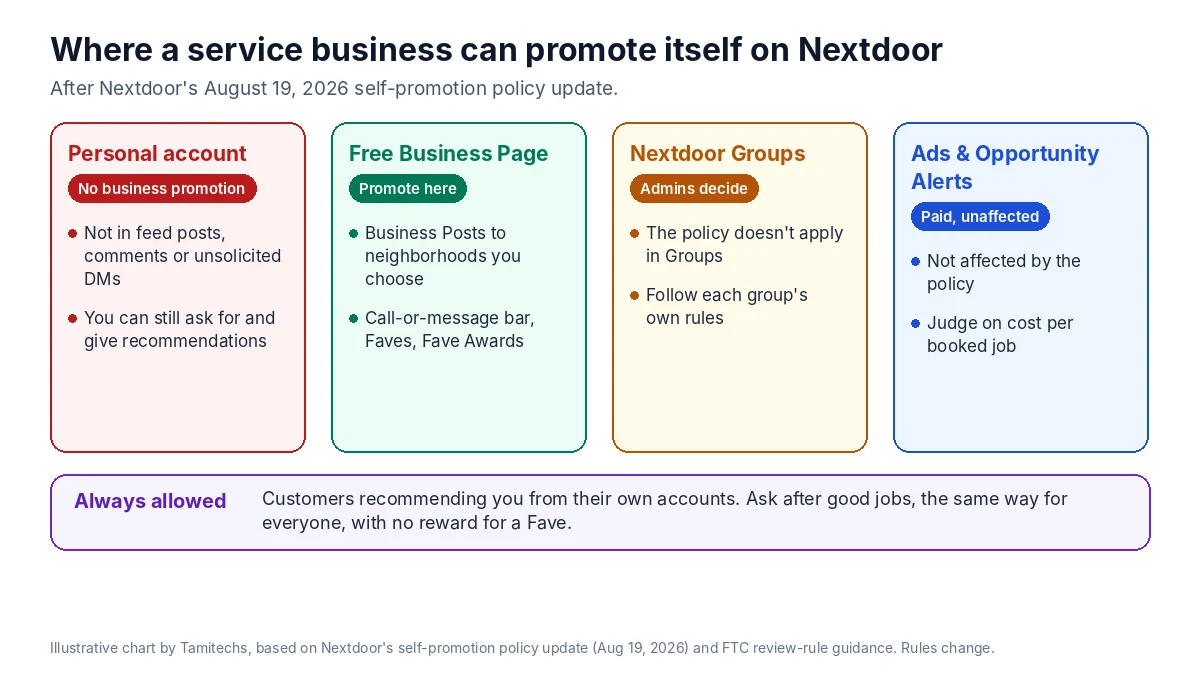
Illustrative chart by Tamitechs, based on Nextdoor's self-promotion policy update of August 19, 2026. Nextdoor's rules change; check the current policy before relying on a detail.
Local Faves: recommendations are the main way to be found
On September 2, 2026, Nextdoor launched Local Faves, which it calls "a new discovery hub built entirely around recommendations from real, verified neighbors." Each Fave, in Nextdoor's words, "is tied to a verified neighbor's endorsement," and the company describes the model as "No tiered stars. No paid reviews. No anonymous voices. No manufactured credibility" (Nextdoor: Introducing Local Faves).
A few numbers from Nextdoor's announcement show why this matters for local trades. Nextdoor says organic neighbor recommendations make up "nearly 30% of all content on the platform," and that neighbors have shared "nearly 75 million Faves across nearly 6.6 million businesses worldwide." Its press release describes the platform as serving over 110 million verified neighbors (Nextdoor press release via Nasdaq, September 2, 2026). These are Nextdoor's own figures, not independent research.
Faves also feed Nextdoor's annual Fave Awards. Neighbors vote for the local businesses they like most, and winners get a window sticker, a badge on their Business Page and a featured spot in the Local Faves hub. Nextdoor's Fave Awards page also notes that more Faves can help a business appear higher when neighbors search (Nextdoor: Fave Awards).
What this means for you: on Nextdoor, there is no star rating to game and no ad that replaces neighbors vouching for you. The way to be found is to do good work for people who use Nextdoor and make it easy for them to say so.
Set up the Business Page properly
The Business Page is free and is now the only place your business should promote itself on Nextdoor. Nextdoor's guide to claiming one gives two routes: add a Business Page from your existing neighbor account ("click on your neighbor profile photo," then "Add Business Page"), or create a business-only account at nextdoor.com/business if you'd rather keep the two separate (Nextdoor: Guide to claiming your Business Page). To post as a business, you must be "an owner, employee, or other authorized representative of the business" (Nextdoor: Business Posts).
In the US, the redesigned Business Pages add cover photos, a "what neighbors say" view, a more visible Fave Award display and "a simpler call-or-message bar," and Nextdoor's press release says the new pages use AI summaries. A new onboarding flow and dashboard for tracking performance are listed as "coming soon" in the US (Nextdoor: Introducing Local Faves).
A checklist for a home service page:
- Use your real business name and the phone number that reaches dispatch. The call-or-message bar is the point; make sure someone answers it.
- Add a cover photo of your actual crew or trucks, not stock imagery.
- Describe the services you actually offer and where you go. Keep it consistent with your Google Business Profile and website so customers and AI tools see the same facts everywhere. Our guide to Apple Business and Bing Places covers why consistency across listings matters.
- Choose your Business Post audience deliberately. Nextdoor lets you widen or narrow the radius around your business and add or remove neighborhoods when you post (Nextdoor: Business Posts). Target the neighborhoods your trucks really serve.
- Reply to recommendations and questions from the Business Page, not your personal account.
Asking for Faves without breaking FTC rules
Since neighbor recommendations drive visibility, it is tempting to offer something in return. Be careful. The FTC's Consumer Reviews and Testimonials Rule allows incentives for reviews only "as long as there isn't an express or implied requirement that the reviews have to express a particular sentiment," and the FTC says this applies "whether the reviews appear on your website or third-party review platforms" (FTC: Consumer Reviews and Testimonials Rule, questions and answers).
Nextdoor Faves are, by design, positive endorsements. That means offering a discount or gift card "for a Fave" is effectively paying for a positive endorsement. Don't do it. Ask without any reward instead.
The FTC Q&A also covers people close to your business. If a small business owner asks family members to review the business, FTC staff say to "clearly and conspicuously disclose their relationship to your business." Don't have your staff, relatives or friends Fave you as if they were ordinary customers.
What works, and stays within the rules:
- Ask at the right moment. When a job goes well and the customer says so, ask whether they use Nextdoor and would be willing to recommend you there.
- Make it easy. Send a short text after the job with a link to your Business Page. Keep the message neutral: "If you were happy with the work, we'd appreciate a recommendation on Nextdoor." No reward, no script for what to say.
- Ask everyone the same way. Don't send requests only to customers you expect to be happy.
- Never post recommendations on a customer's behalf or ask them to copy wording you wrote.
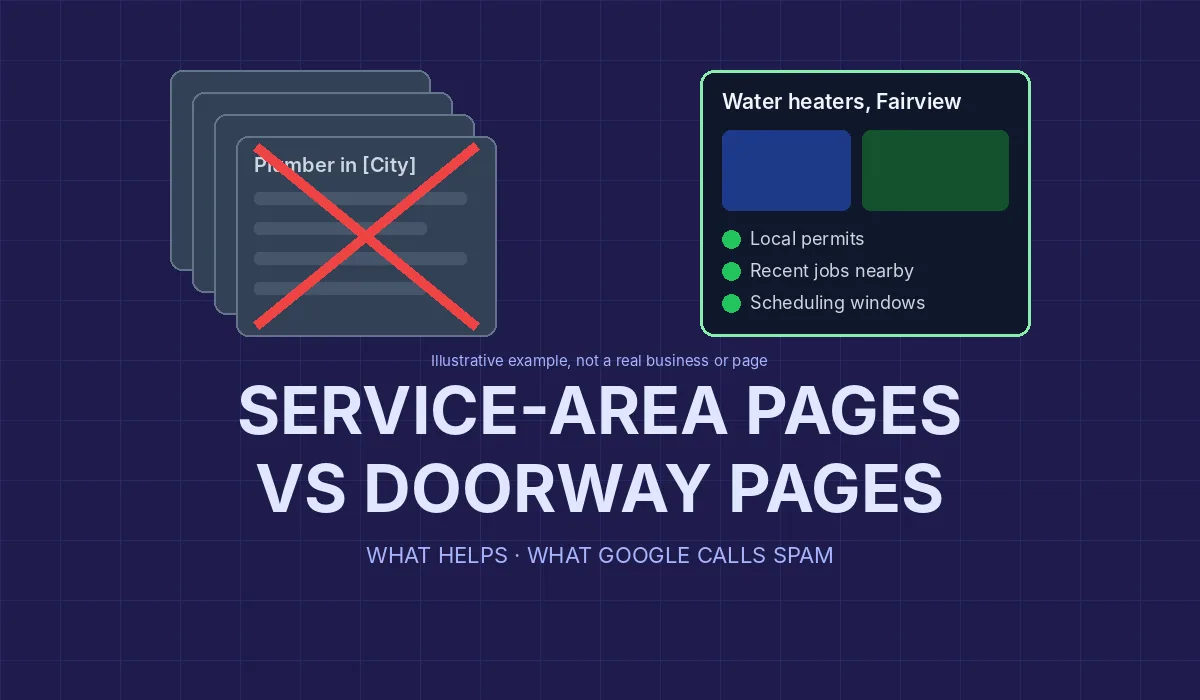
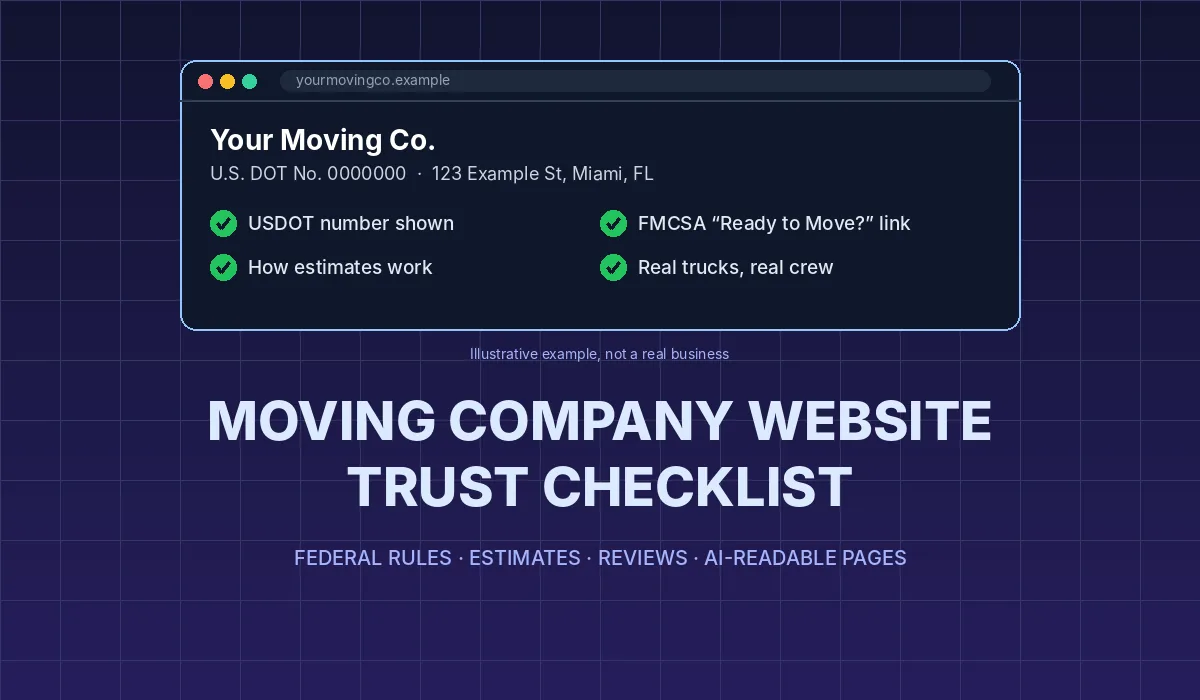
The same principles apply to Google reviews. Our guide to getting more Google reviews without breaking Google or FTC rules is written for movers, but the review-request process works for any service business.
What to do in recommendation threads
The "Who do you recommend for…?" thread is where most home service leads on Nextdoor start. After the policy change:
- Let customers do the recommending. A thread where three neighbors name your company carries far more weight than your own reply.
- If you respond, respond from the Business Page. Nextdoor's announcement says the ability for businesses to "engage directly in the neighborhood feed, posting updates and commenting alongside neighbors" is coming soon in the US. Until that is available to you, focus on your Business Page and Business Posts.
- Don't send unsolicited direct messages to people who asked for recommendations. Nextdoor's policy now names "unsolicited direct messages" as a form of self-promotion that isn't allowed from personal accounts.
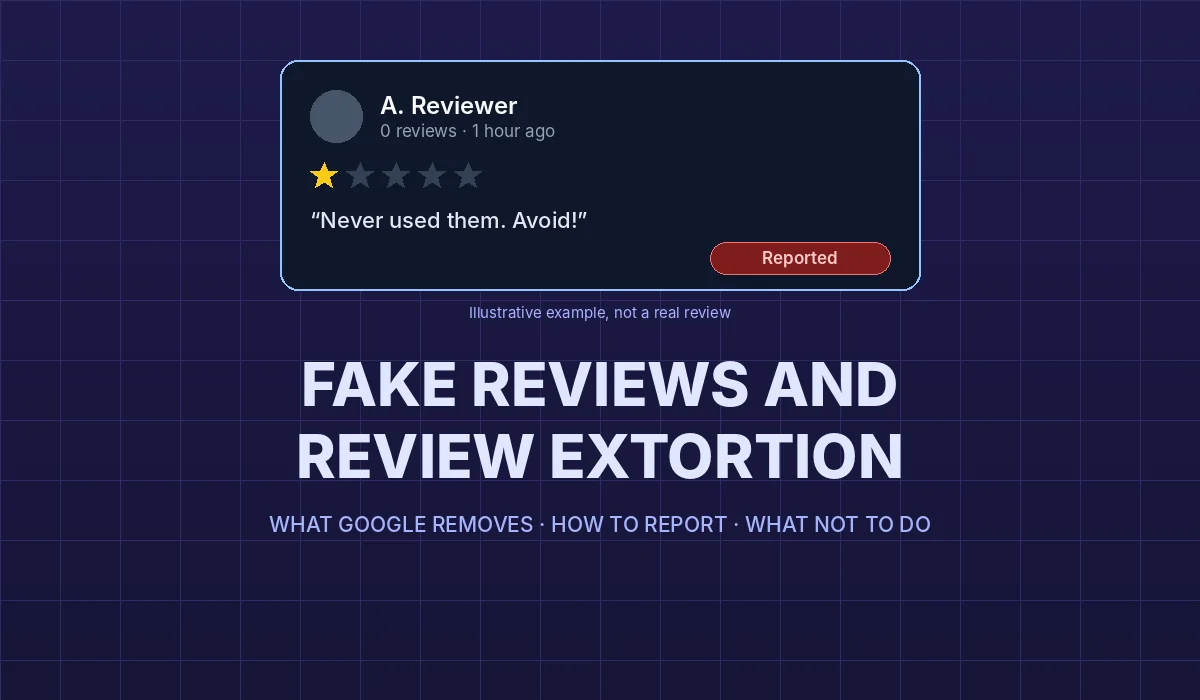
- Handle complaints calmly and in public. If a neighbor posts about a bad experience, a short, factual reply from your Business Page and an offer to fix it offline does more than an argument. If a post is false or abusive, use the platform's reporting tools rather than replying in kind. Our guide to fake reviews and review extortion covers how to handle that on Google.
Paid options: Nextdoor Ads and Opportunity Alerts
Nextdoor's self-promotion policy notes that Opportunity Alerts and Nextdoor Ads are not affected by it. Opportunity Alerts is, in Nextdoor's words, "a paid product" in the US that routes requests from verified neighbors to local service providers, including categories such as handyman and moving services (Nextdoor press release via Nasdaq). Nextdoor's announcement does not publish a price for it.
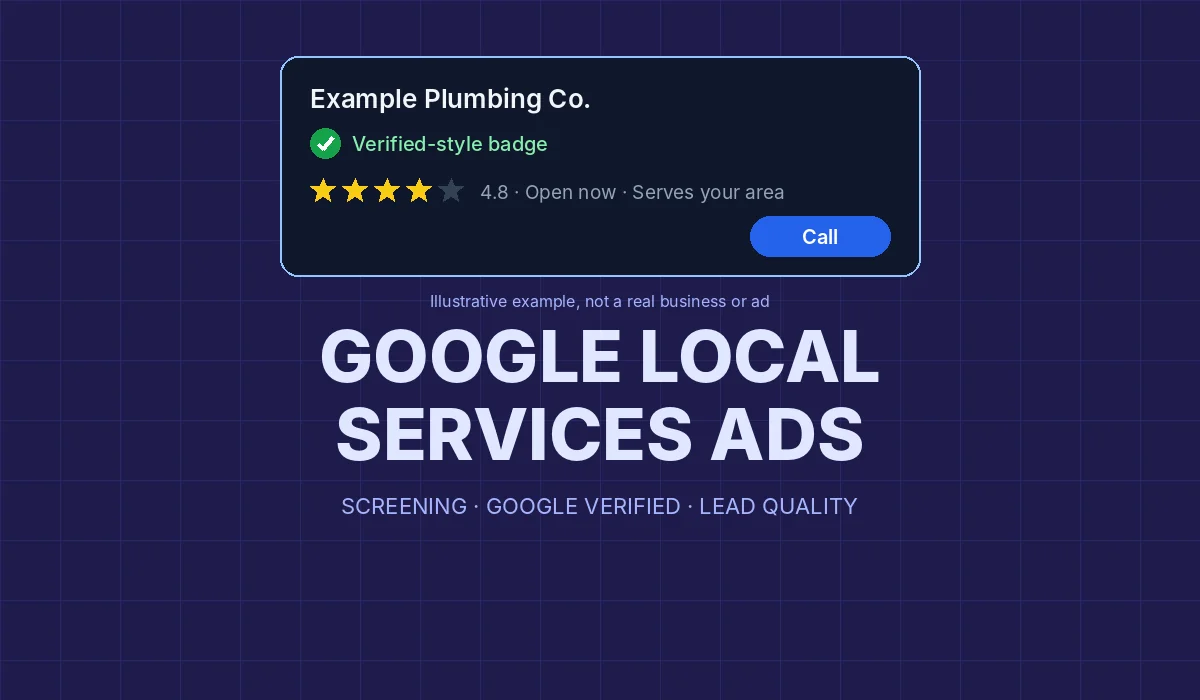
Before paying for leads on any platform, set up the basics first: a complete Business Page, a phone line someone answers, and a way to track which jobs came from Nextdoor. Then judge any paid product on cost per booked job, not cost per lead. The same logic applies to Google's lead products; our guide to Google Local Services Ads walks through it.
A simple Nextdoor routine for a service business
- Claim and complete your free Business Page.
- Move all promotion off personal accounts.
- After every good job, ask the customer (without any reward) whether they'd recommend you on Nextdoor.
- Post useful Business Posts occasionally to the neighborhoods you serve: seasonal maintenance reminders, scheduling notes, real project photos.
- Check your page and recommendation threads weekly and reply from the Business Page.
- Keep your business details the same on Nextdoor, Google, Apple, Bing and your website.
None of this guarantees a Fave Award, a search position or a number of leads. Nextdoor decides how its hub ranks businesses, and results vary by neighborhood and trade. What it does is put you in the position Nextdoor says it rewards: real neighbors vouching for real work.
Where Tamitechs fits
Nextdoor sits between social media and reputation management. Our social media marketing team can set up and run your Business Page and posts within Nextdoor's rules, and our reputation management work builds the review-request process that earns recommendations across Nextdoor, Google and the other platforms customers check. If you'd like an honest look at how your business shows up on Nextdoor today, get in touch.
Sources
- Nextdoor: Changes to self-promotion policy: a better feed for neighbors, a better home for businesses (August 19, 2026)
- Nextdoor: Introducing Local Faves (September 2, 2026)
- Nextdoor press release: Nextdoor deepens its commitment to local business discovery and recommendations (via Nasdaq, September 2, 2026)
- Nextdoor: Fave Awards
- Nextdoor: Guide to claiming your Nextdoor Business Page (updated July 26, 2023)
- Nextdoor: Business Posts
- FTC: Consumer Reviews and Testimonials Rule, questions and answers